Help › Marketplace, sales & reports
Record sales and stock
Sales records what you sold, wherever you sold it: the marketplace, a plant show, a friend. A plant sold keeps its genealogy forever.
Pro plan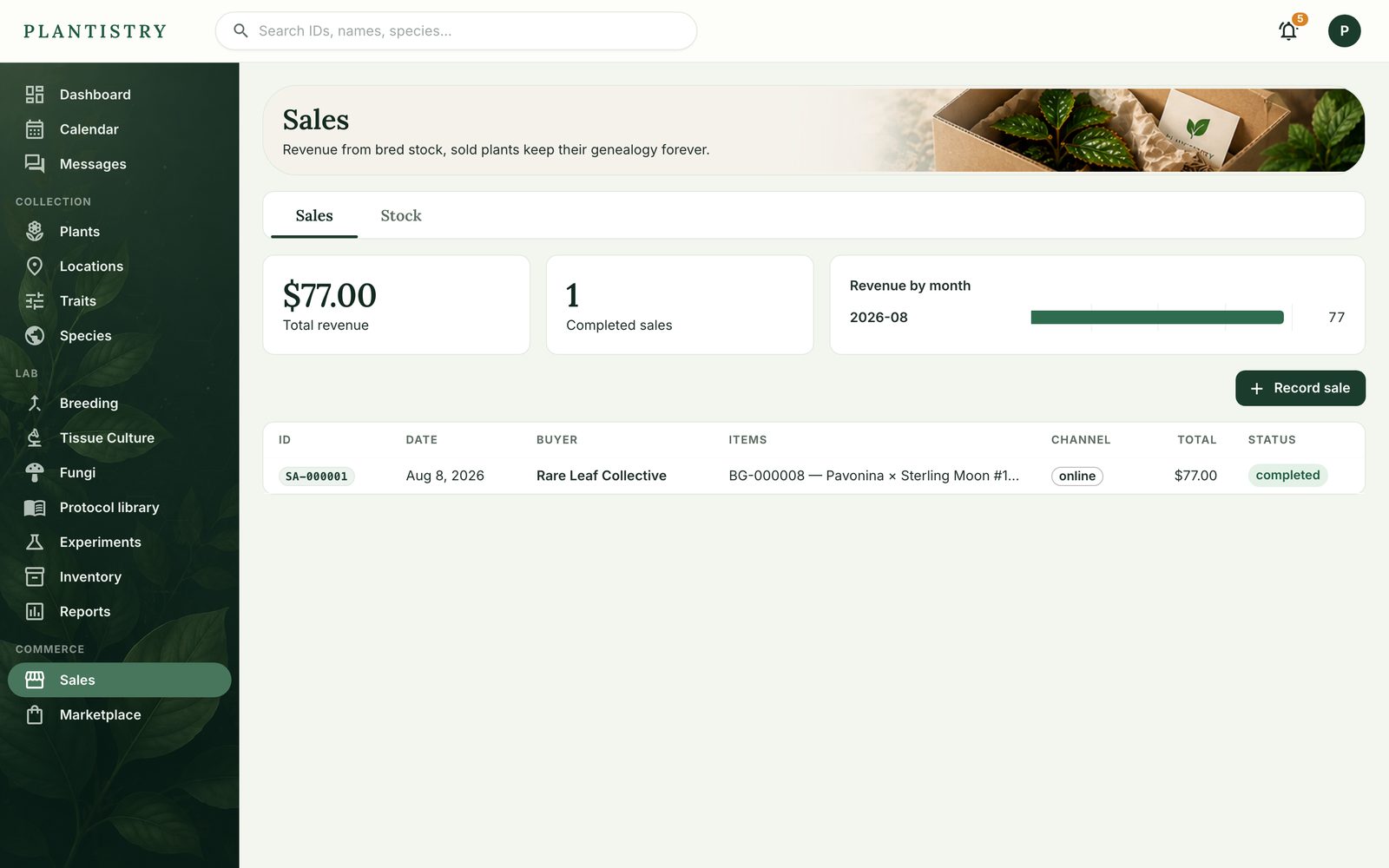
- Open Sales and choose Record sale, or Log sale on a plant in the list.
- Add its items: a plant, seeds from a lot, or anything custom. Add the buyer and channel.
- Save it. Plants sold are marked so; stock under Stock counts props of a mother plant, which is never marked sold.
Still stuck? Tell us what you were trying to do.Contact support