Help › Tissue culture
Mark contamination
Contamination is recorded on the jar it happened in. Because each jar knows its media batch, round and source, the bad ones show what they had in common.
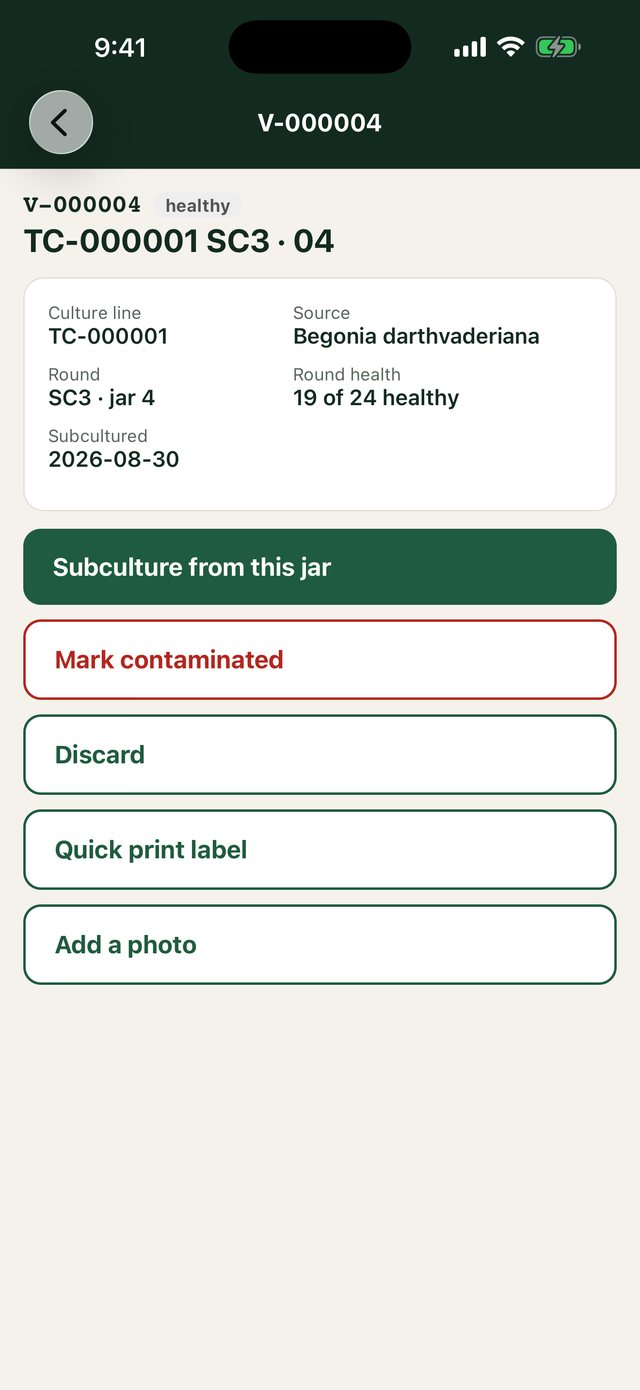
Pro plan- Scan the jar's label, or click the jar on its line.
- Choose Mark contaminated, and on the phone the contaminant if you know it: bacterial, fungal, yeast or unknown.
- A slip is undone with Not contaminated after all. A jar thrown out for another reason is Discard; Back on the shelf undoes that.
Contamination rates by media batch, on each batch's page and under Reports → Analytics, point at the batch that went bad.
Good to know: If the last healthy jar on a line is marked contaminated, the line itself becomes contaminated and stops asking for subcultures.
Still stuck? Tell us what you were trying to do.Contact support