Help › Labels & scanning
Quick print from the phone
With a label printer chosen in the app, every print button on the phone becomes Quick print: the label goes straight to the printer, no dialogs.
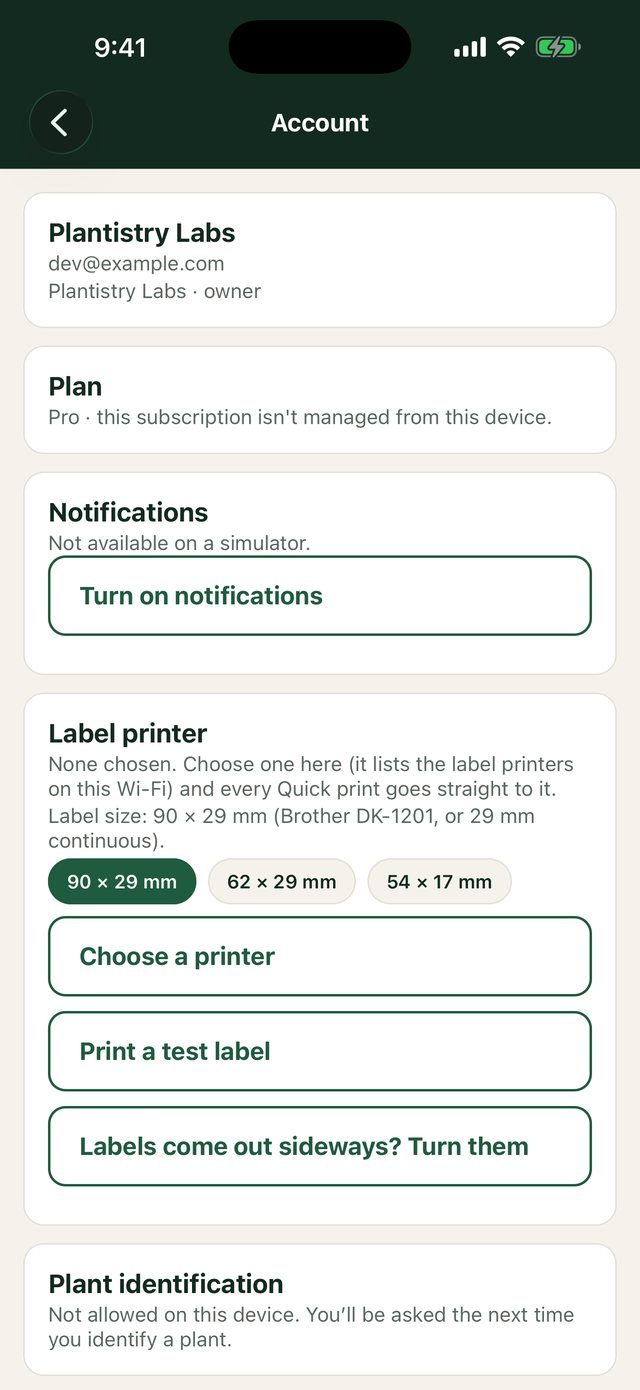
Free on every plan- On the phone, open Account and choose Choose a printer.
- Pick your printer and use Print a test label to check it.
- If labels come out upside down for your roll, turn on the option to print them the other way round.
- From then on, Quick print on a jar or culture sends its labels straight to the printer.
Still stuck? Tell us what you were trying to do.Contact support