Help › Labels & scanning
Scan a label
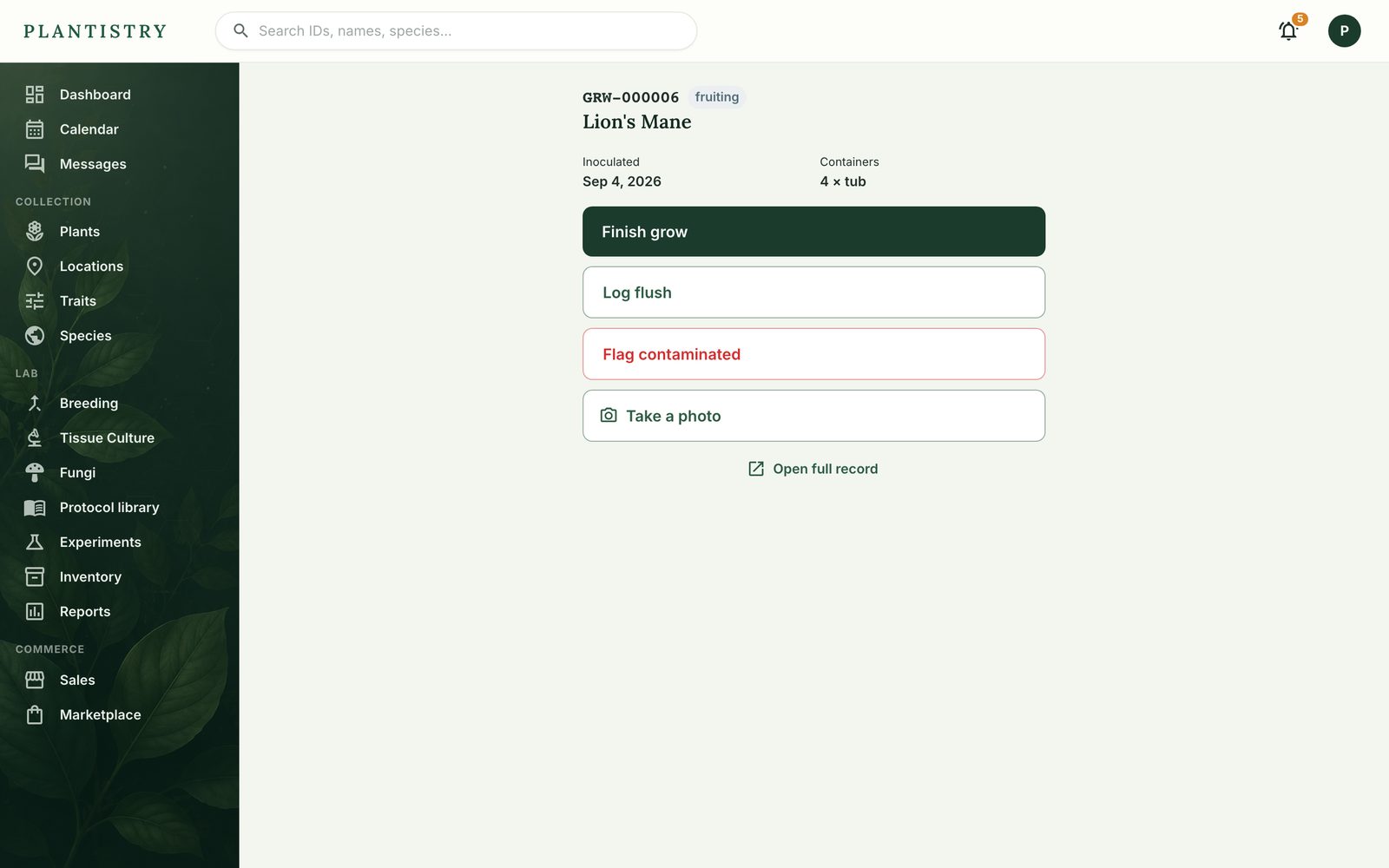
Scanning a Plantistry label opens that exact record, with its next actions on top. It's the fastest way to the right jar, plant or grow.
Free on every plan- On the phone, tap ⌗ Scan a label and allow the camera the first time.
- Point it at the QR code. The record opens: a plant, a jar, a culture line, a grow.
- Act on it right there: mark a jar contaminated, log a flush, take a photo.
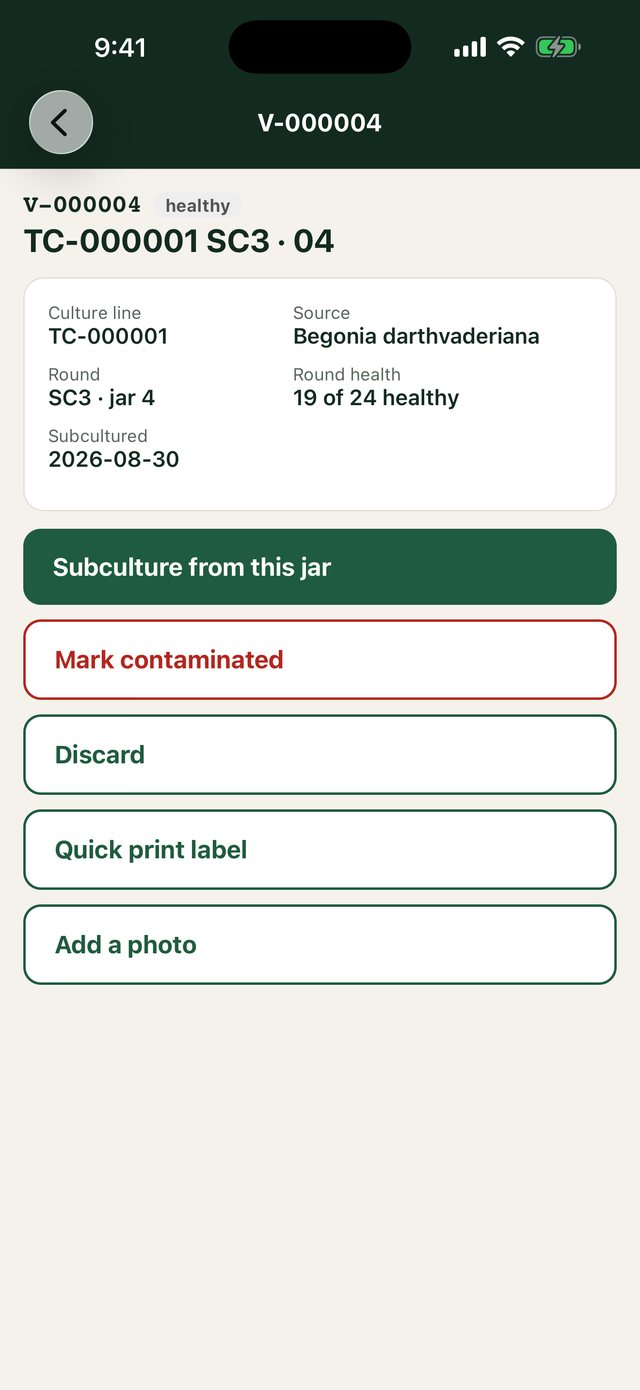
Scanned with any other camera, the label opens the same record in the browser, with the common actions on a simple page.
Tip: To tick a chore off plant by plant, hold the chore's card on the phone's home screen and scan as you go.
Still stuck? Tell us what you were trying to do.Contact support