Help › Chores & calendar
The calendar, and adding chores
The calendar shows every chore across the month. Click a day to see its chores and add one there.
Free on every plan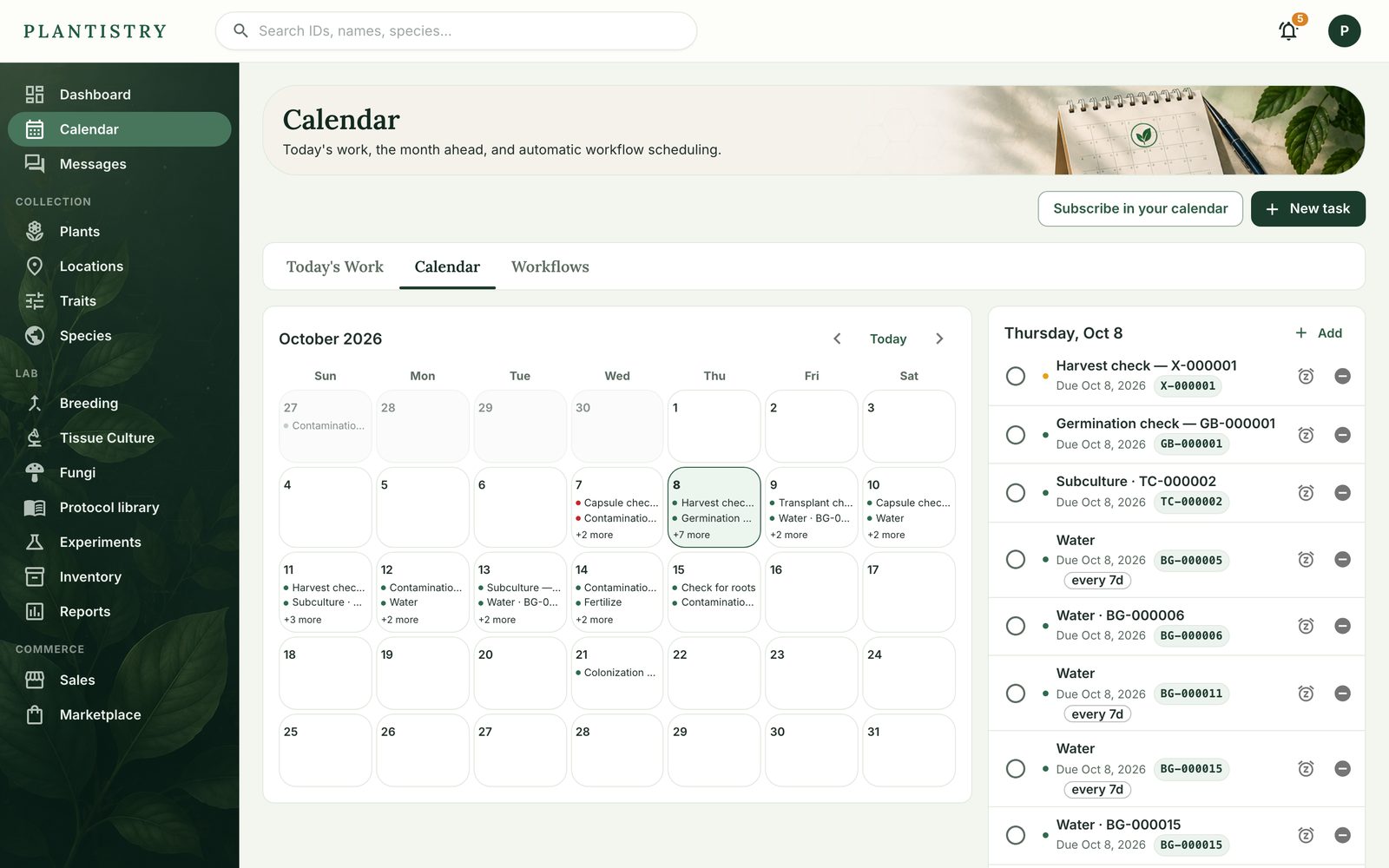
- Choose New task (or Add on a day).
- Pick its type, attach it to a record if it's about one, and set the date.
- To make it repeat, set how many days apart. Each time it's done, the next one is scheduled.
- Choose Create task.
Tip: Subscribe in your calendar gives you a link for Google Calendar, Apple Calendar or Outlook, so chores show up beside everything else.
To put the same chore on many plants at once, tick them in the plant list and use Add a chore.
Still stuck? Tell us what you were trying to do.Contact support