Help › Chores & calendar
Today's work: done, snooze and skip
Today's work lists every chore due today or overdue, grouped by kind, with the next seven days alongside. Each chore can be done, snoozed or skipped, and those mean different things.
Free on every plan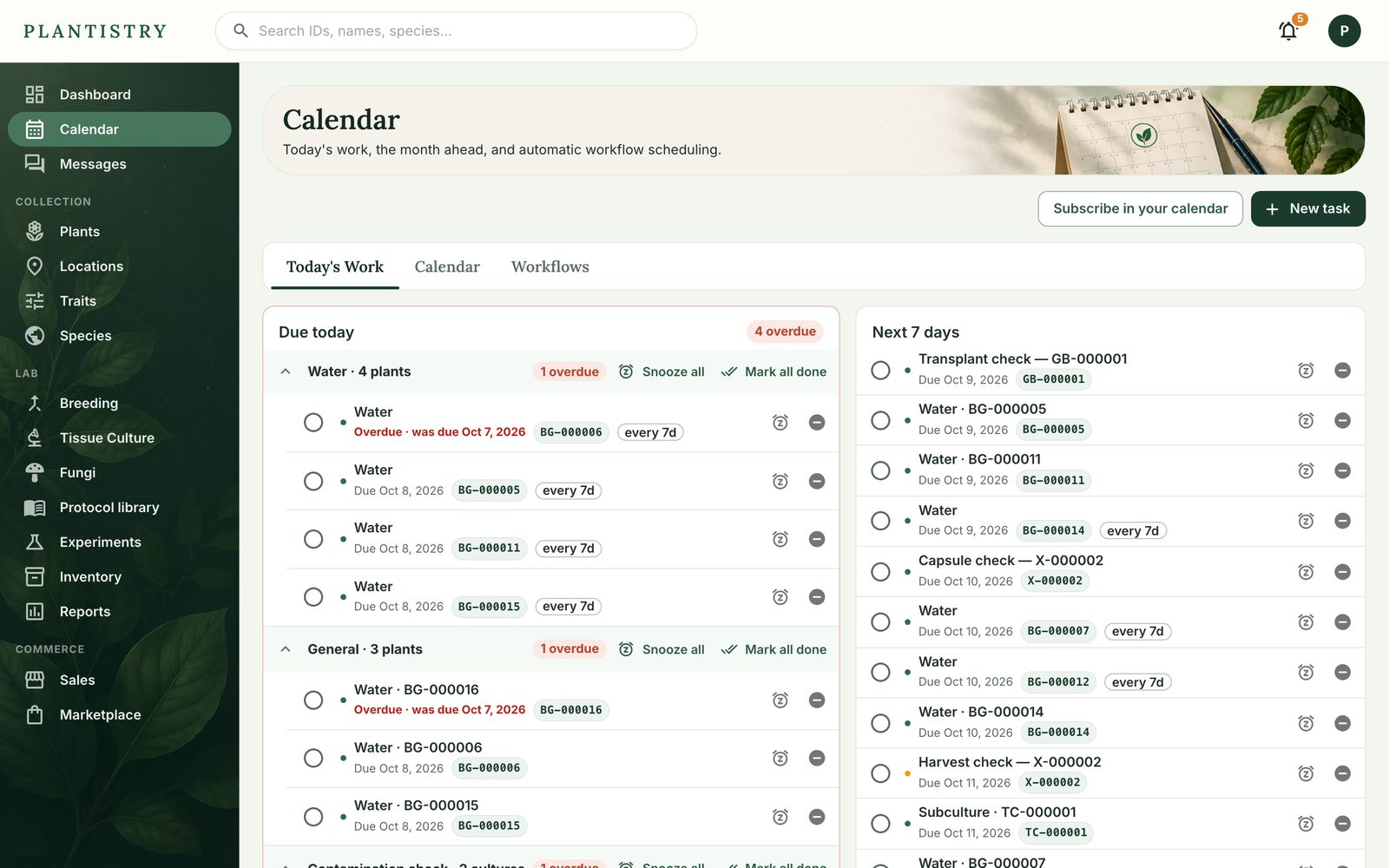
Done, snooze or skip
- Done (the circle) records the work. A repeating chore schedules its next one, and anything that follows from the work, like a contamination check after a subculture, is planned.
- Snooze (the clock) pushes it out 1, 3 or 7 days, or however many you type. Nothing is marked done; a repeating chore keeps its rhythm.
- Skip (the minus) says this one won't be done. A repeating chore still gets its next one. To end the series, choose Skip and cancel the series.
Each group has Snooze all and Mark all done, for the morning the whole room got watered.
On the phone
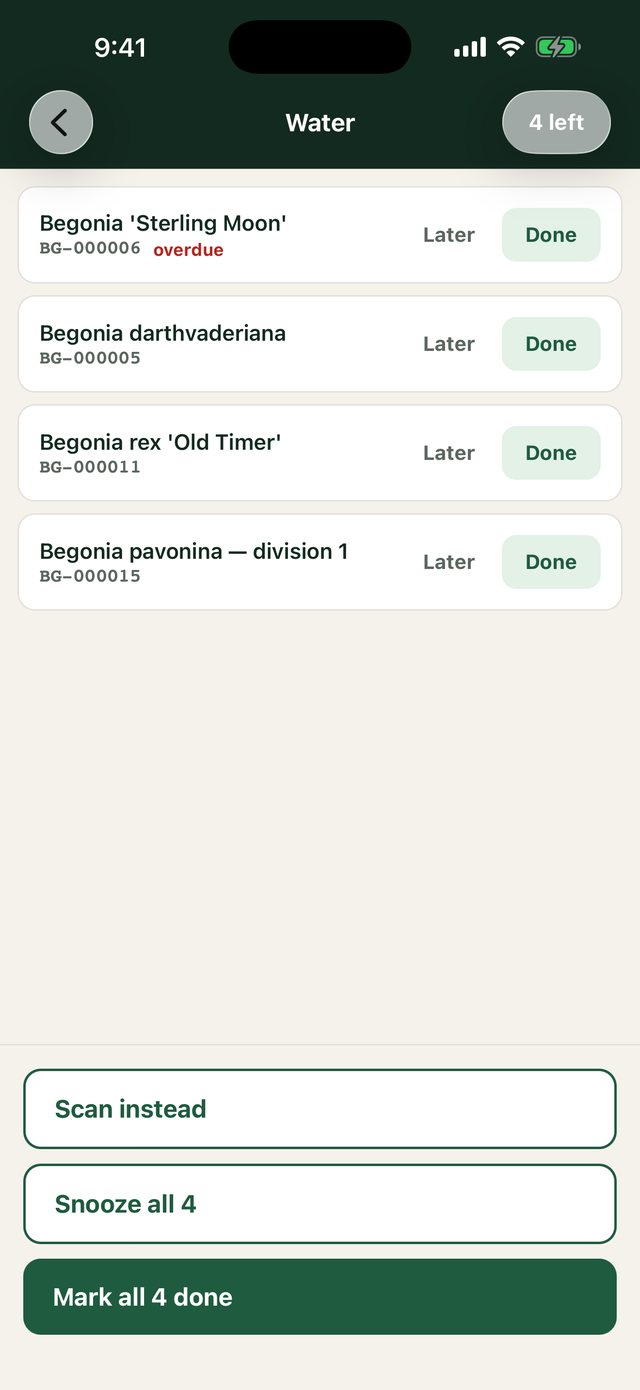
Home shows the same chores as cards. Done ticks one off; Later opens snooze, with skip below it. Tap a card for its checklist, or hold it to scan plants as you water them.
Good to know: Chores that belong to a stage stop on their own when the record moves on: a grow that starts fruiting drops its colonization checks, and a line that ends drops its subculture reminders.
Still stuck? Tell us what you were trying to do.Contact support