Help › Plants & collection
Cuttings, divisions and rooting
Splitting a plant makes new plants that keep the parent in their family tree. A cutting stays a cutting until you mark it rooted.
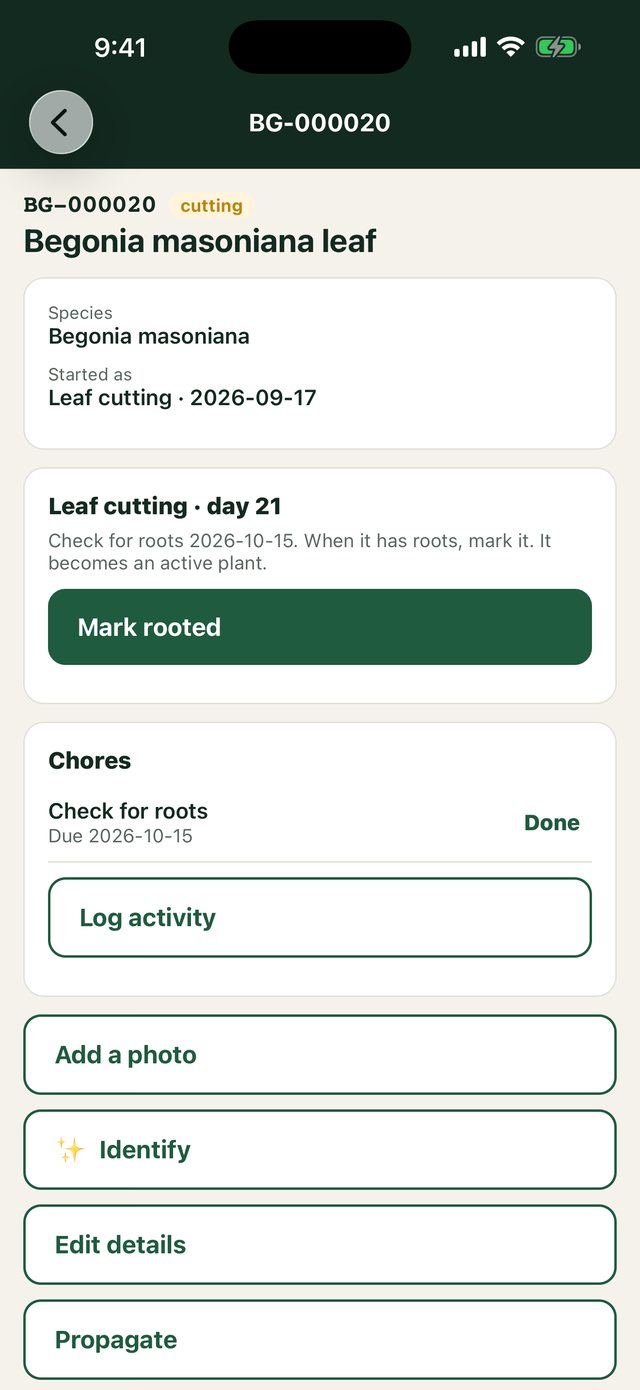
Free on every plan- Open the plant and choose Split (on the phone, Propagate).
- Say how many, the method (division, cutting, leaf…), and what to name them.
- Each new plant gets its own ID and label, with the parent recorded.
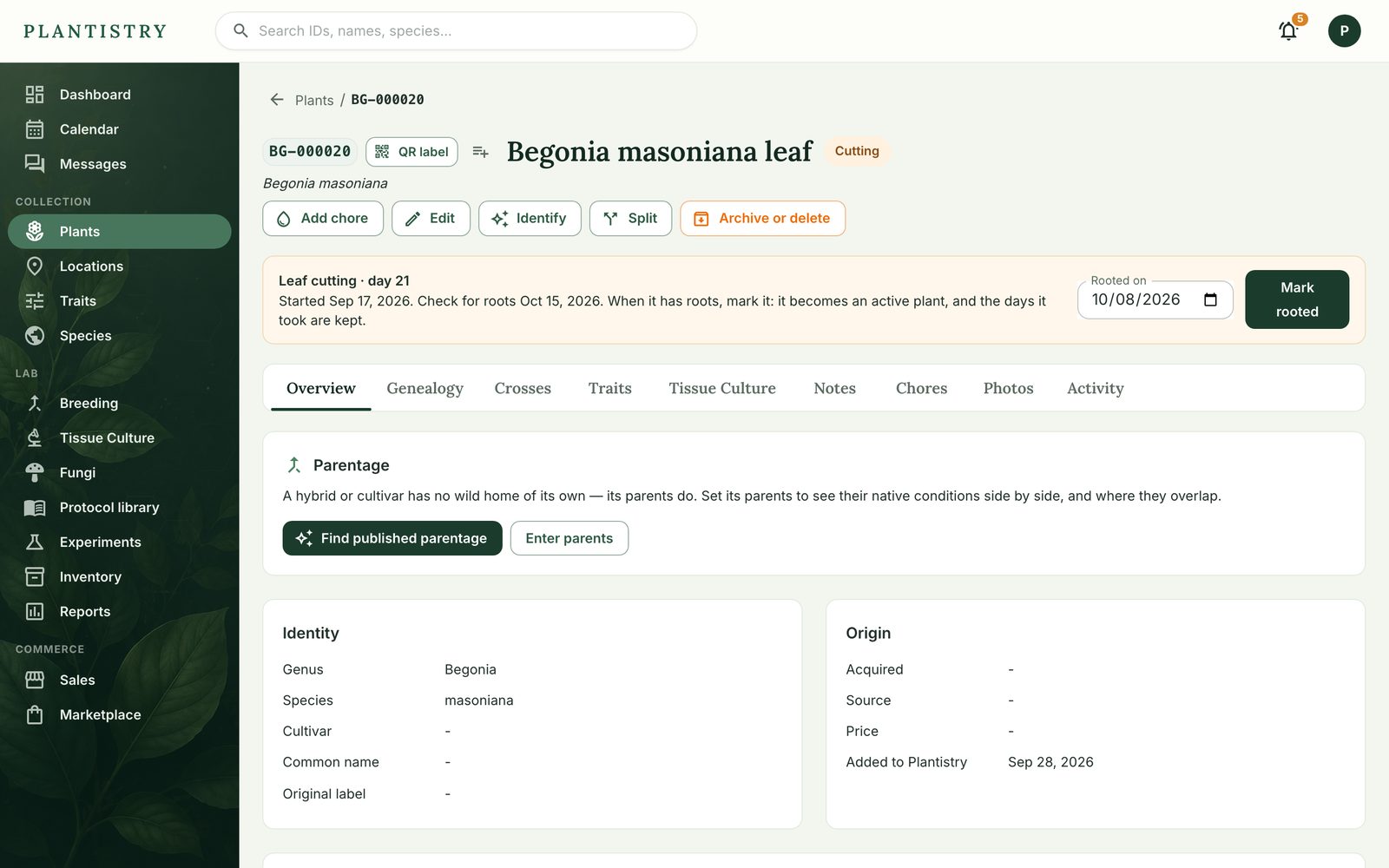
A cutting shows a banner with the day count and a rooting check date. When it has roots, choose Mark rooted: it becomes an active plant and the days it took are kept.
Still stuck? Tell us what you were trying to do.Contact support