Help › Plants & collection
The plant list and groups
The plant list shows every plant with its status, location and date added. Groups are folders you file plants in, and they can nest.
Free on every plan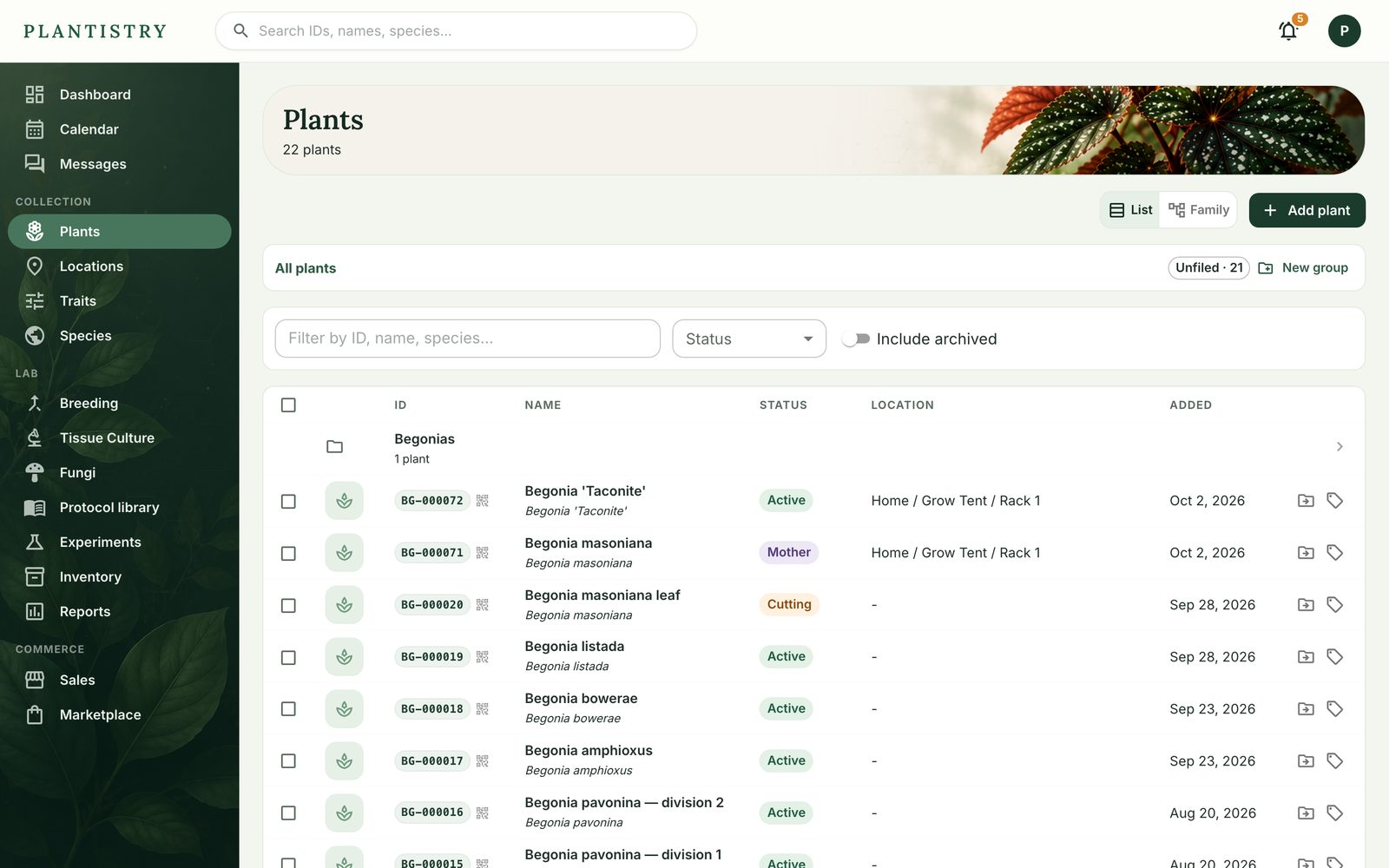
- Filter by ID, name or species, by status, or include archived plants.
- New group makes a folder in whatever group you're looking at, so Begonias can hold Rex.
- The folder icon on a row files that one plant; to file many, see Change many plants at once.
- Family switches to a view grouped by family tree instead of a list.
Good to know: A plant marked Needs details was added quickly, from a photo walk for example, and is waiting for its name or species.
Still stuck? Tell us what you were trying to do.Contact support