Help › Getting started
Set up your locations
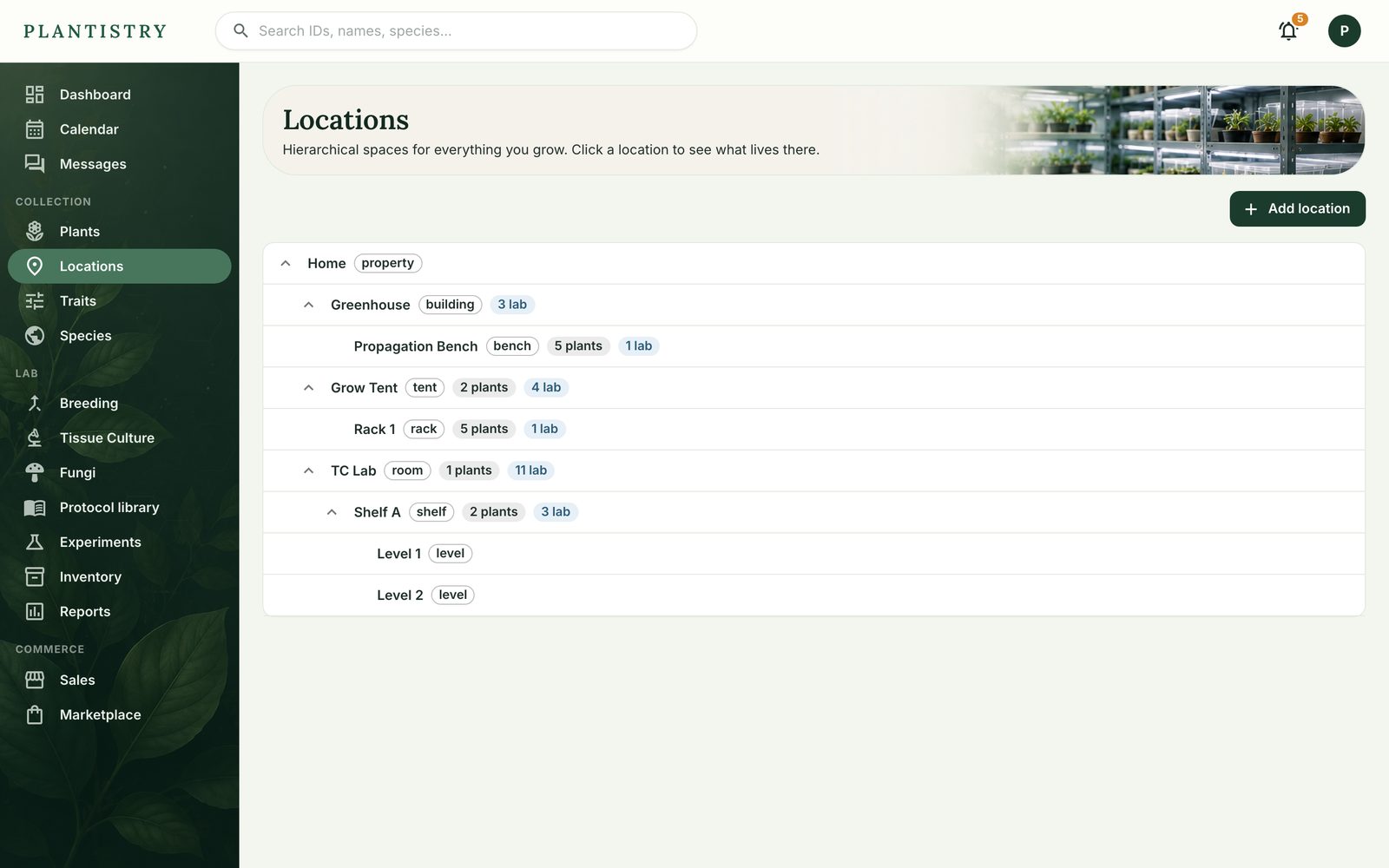
Locations are the places things live: a house, a greenhouse inside it, a bench in the greenhouse. Plants, cultures, grows and stock can all be put somewhere.
Free on every plan- Open Locations in the menu and choose Add location.
- Give it a name and a kind (room, tent, shelf, bench…), and pick the location it sits inside, if any.
- Optionally note its temperature, humidity and air exchange.
- Choose Create location. Click any location later to see everything that lives there.
Moving out of a location
A location can't be archived while anything still lives there. Open it, use Move everything to send its contents elsewhere, then Archive location.
Tip: To move several plants at once, tick them in the plant list and use Move. See Change many plants at once.
Still stuck? Tell us what you were trying to do.Contact support